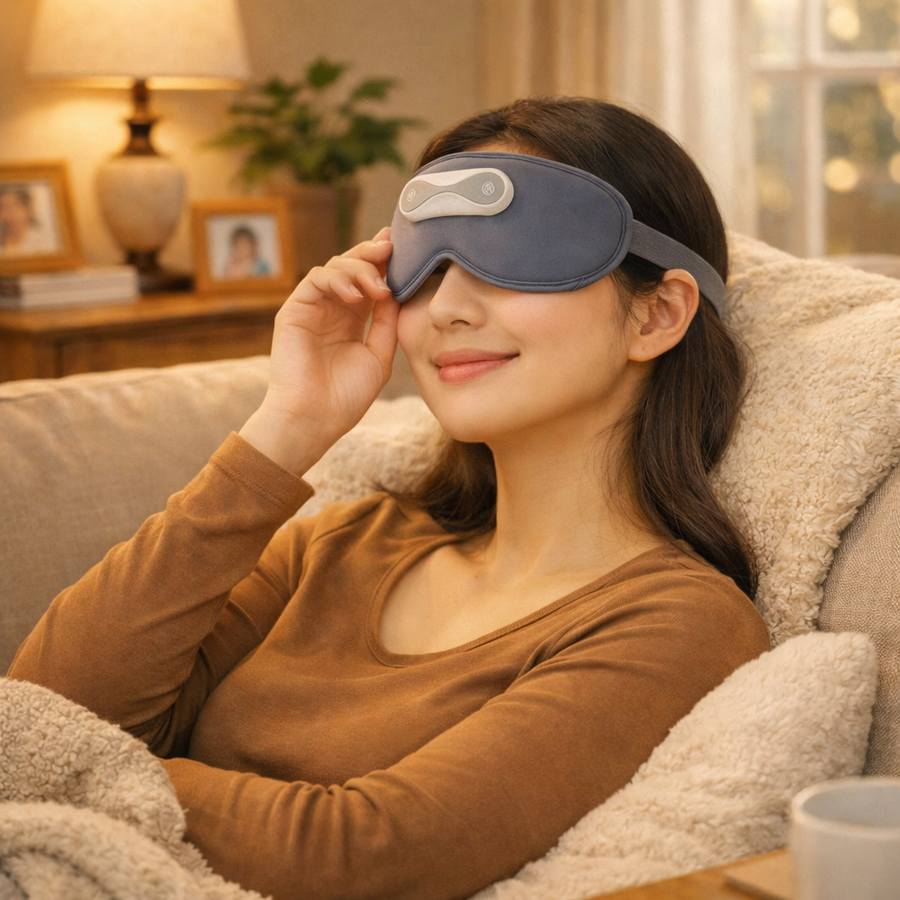
Put your phone down, close your eyes and rest for a session.
02
After a day at your desk
Step away from your screen and choose your preferred warmth and vibration settings.
03
Before bed
Use it for a short rest, then remove the mask before going to sleep.
Take a closer look
Adjust the warmth and vibration separately.
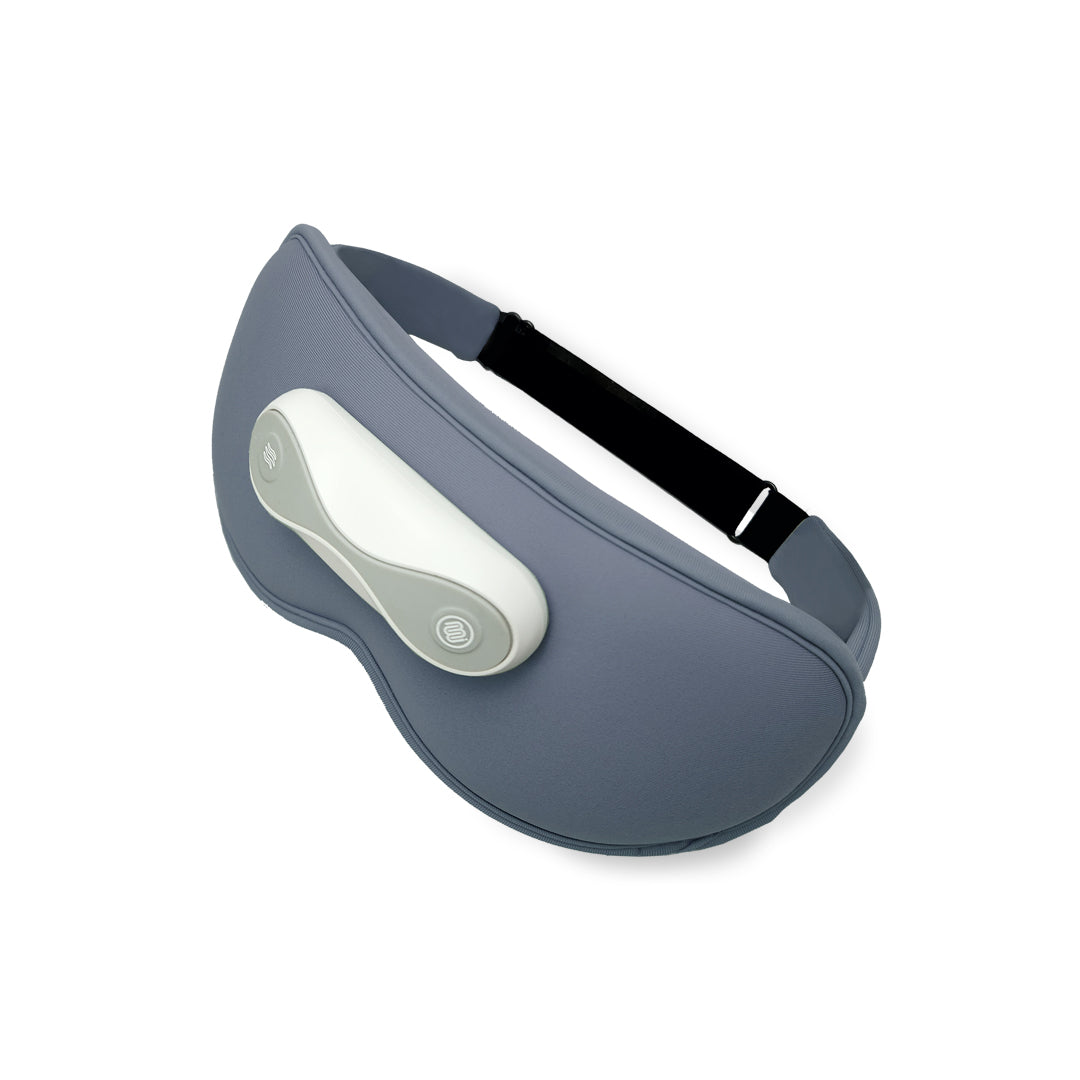
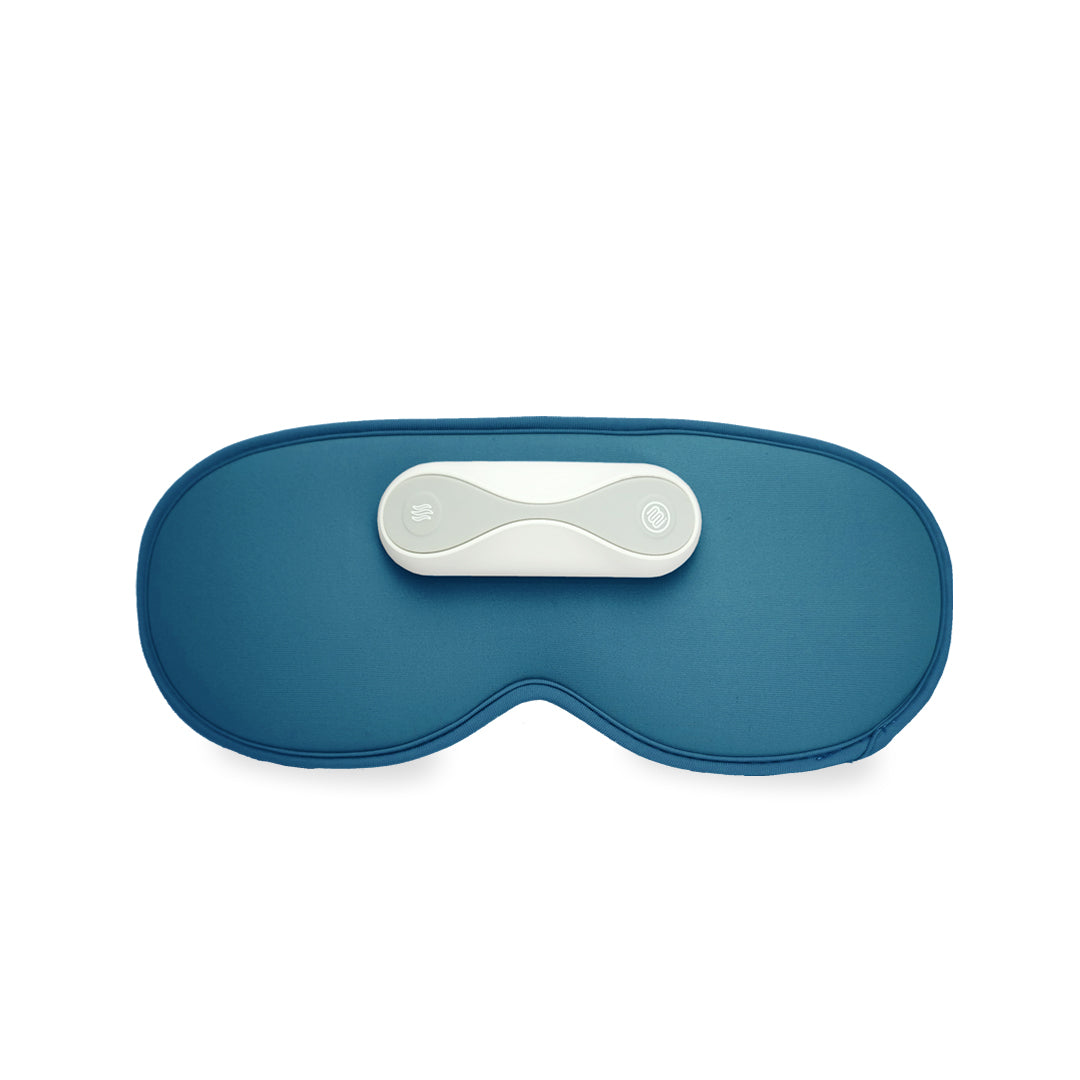
The magnetic PowerPod is both the battery and controller. Attach it to the contoured mask for cordless use.
01
Adjustable warmth and vibration
Choose approximately 36°C, 38°C or 40°C and four vibration modes. After 10 minutes of continuous massage, it changes to sleep mode. The whole device automatically switches off 15 minutes after activation.
Control heat and vibration separately. After 10 minutes of continuous massage, it changes to sleep mode; the whole device switches off after 15 minutes. Stop if discomfort occurs.
How to use
How to use it
01
Charge and attach the PowerPod
Charge the PowerPod before use, disconnect its charging cable and attach it securely to the mask.
02
Adjust the fit
Place the mask over closed eyes and adjust the strap so it sits comfortably.
03
Choose your settings
Hold the power/temperature button for 2 seconds to start at approximately 36°C. Press to cycle through 36°C, 38°C, 40°C and heating off. The massage button cycles through Leisure, Eye Care, Dynamic, Sleep and massage off.
04
Rest for the session
After 10 minutes of continuous massage, it changes to sleep mode. The whole device switches off 15 minutes after activation. Remove the mask when finished and let it cool before storing it flat.
Product details and included accessories. See the options above for current colours and availability.
It will be better if the setting has a higher temperature option coz the eye masks are not directly in contact with the eyes, the current setting is not hot enough to help relax the eyes.
Massage changes to sleep mode after 10 continuous minutes; whole-device shut-off after 15 minutes
Power supply
Removable magnetic PowerPod controller with battery
Battery
1000 mAh rechargeable PowerPod
Charging / use
DC 5V / 1A · approximately 1–2 hours charging; 2–3 hours use, depending on mode
Cleaning
Wipe with a clean damp cloth or wipe; air-dry in the shade. Do not immerse.
Inside the box
Heated Eye Mask × 1 · PowerPod controller with battery × 1 · USB charging cable × 1.
Your questions
Frequently asked questions
Does the mask turn itself off?+
The whole device automatically switches off 15 minutes after activation. After 10 minutes of continuous massage, it first changes to sleep mode; this is different from switching off. Remove the mask when finished.
What does the PowerPod do?+
It is the removable magnetic battery and controller for the mask. It powers and controls the heat and vibration functions without a cable during use.
Can I change the warmth and vibration?+
Yes. Hold the power/temperature button for 2 seconds to start at approximately 36°C, then press to cycle through 36°C, 38°C, 40°C and heating off. Use the separate massage button to select four vibration modes or turn massage off.
How do I clean it?+
Disconnect charging, detach the PowerPod and keep the electronics dry. Wipe the mask with a clean damp cloth or wipe and air-dry in a cool, ventilated place. Do not immerse or use chemical cleaners.
Use & care
Disconnect the charging cable before wearing the mask and keep the electronic PowerPod dry. Wipe the mask with a clean damp cloth or wipe as needed, then air-dry in a cool, ventilated place. Do not immerse or use chemical cleaners. Let it cool, store flat and avoid folding, twisting or heavy pressure. Stop if discomfort occurs.